


All in one place.
No paper registers, no scattered group chats. Lessons, attendance, homework and news in one channel.
Today
What's on now and what's still missing — the moment you open the app.
One app for students, parents and teachers
Timetable, attendance, homework, grades, notices and messages — families and the school see the same picture and talk right in the app.
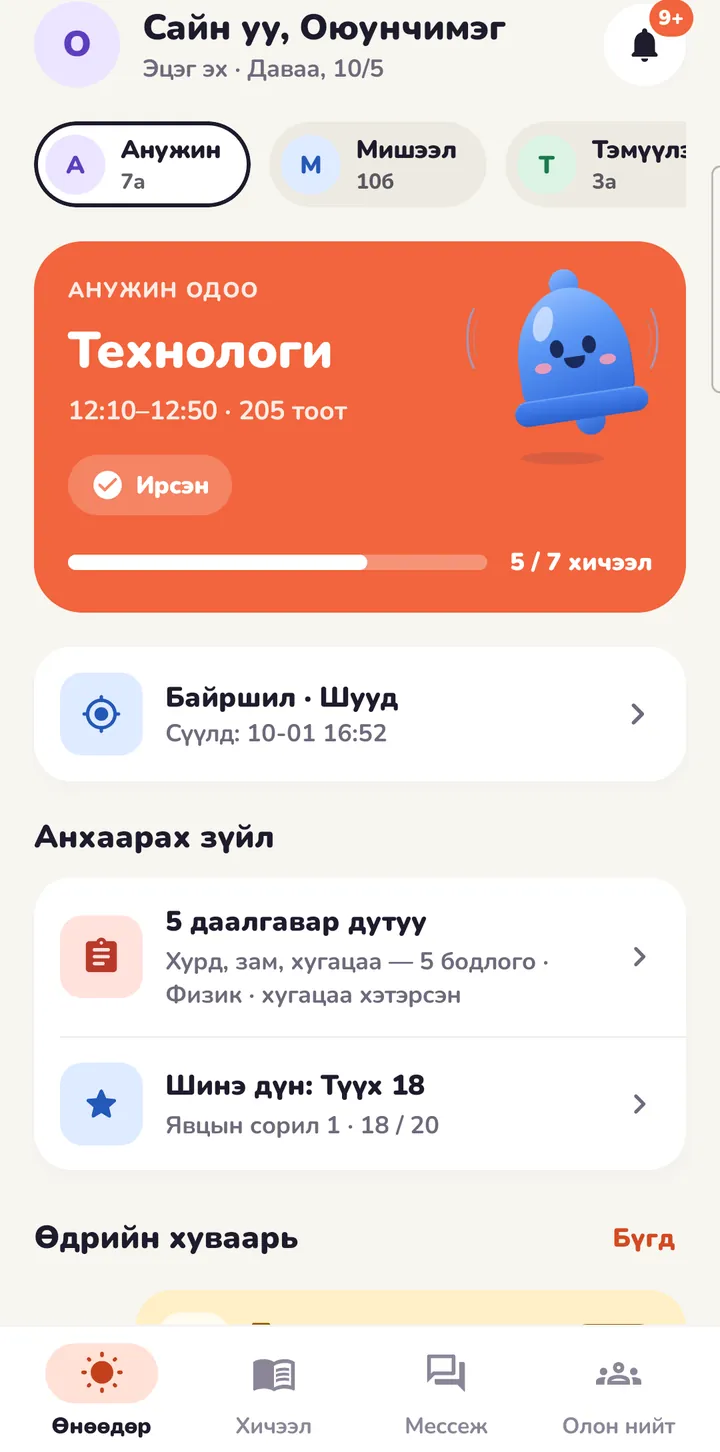
The app
Students see their lessons, parents their children, teachers their classes — everyone sees what they need.
App screens: today, timetable, attendance, homework, grades, notices, messages, location, community.
One system, three tools
No paper registers, no scattered group chats. Lessons, attendance, homework and news in one channel.
What's on now and what's still missing — the moment you open the app.


Attendance
Teachers take it lesson by lesson. Parents hear right away if their child is absent or late.


Homework
Set the deadline to «next lesson» in one tap. Answers open only after the child hands in.


Grades
Every assessment score, the teacher's comment and the term grade — subject by subject.


Notices
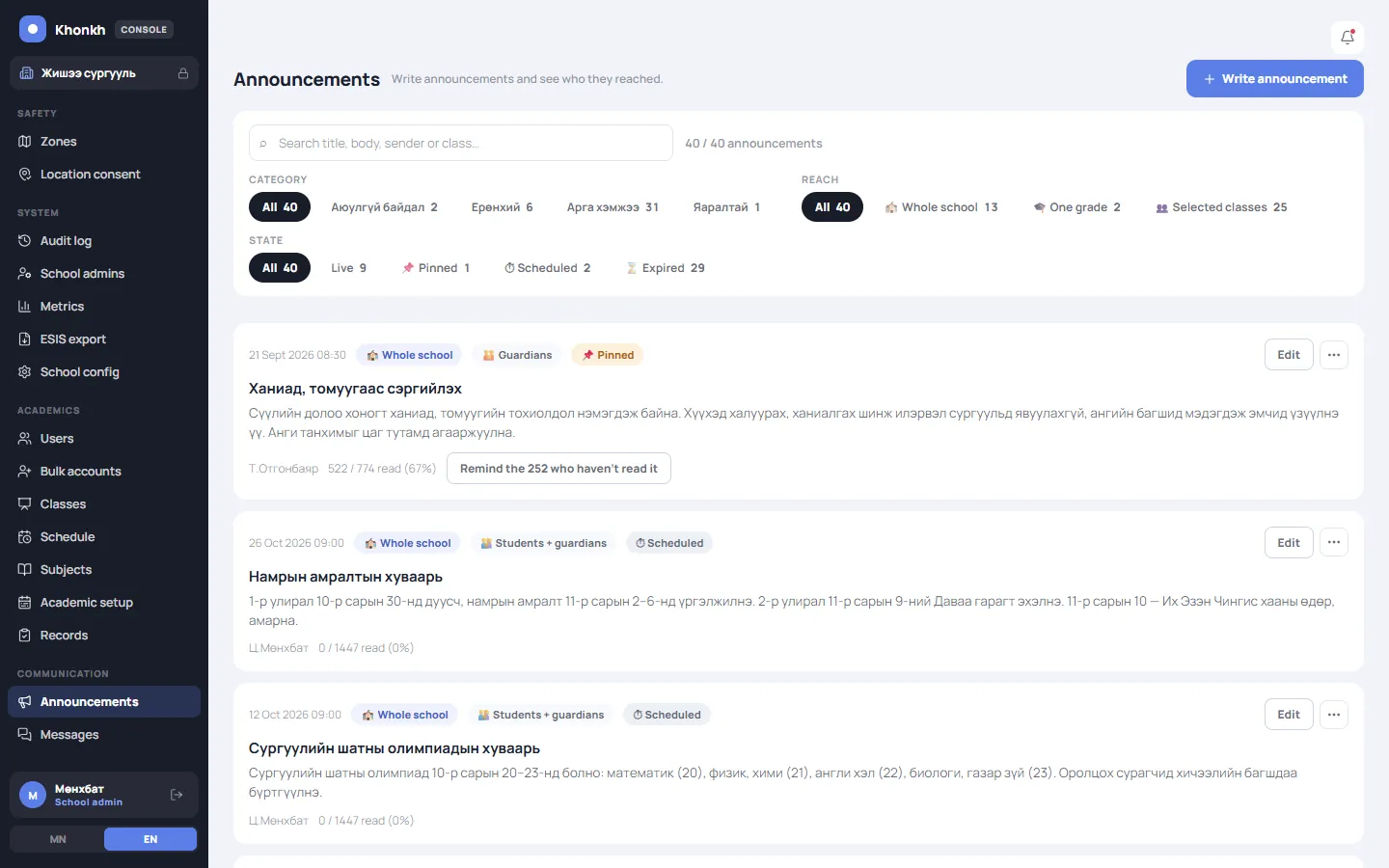
Send notices to the school, a grade or a class — and remind whoever hasn't read them.
Messages
Teachers, parents and students, with photos and files. Class chats and a parents' room.

Location
The student turns sharing on. Only while the app is open; records are deleted after 7 days.
The school sets it up once. After that, everyone just uses their phone.
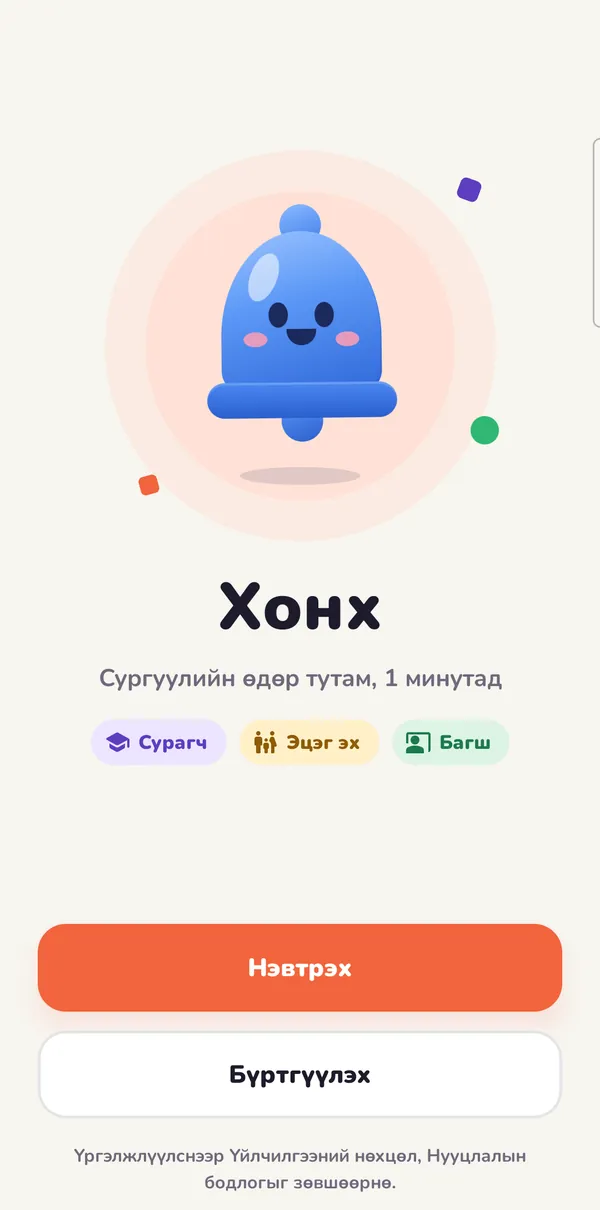
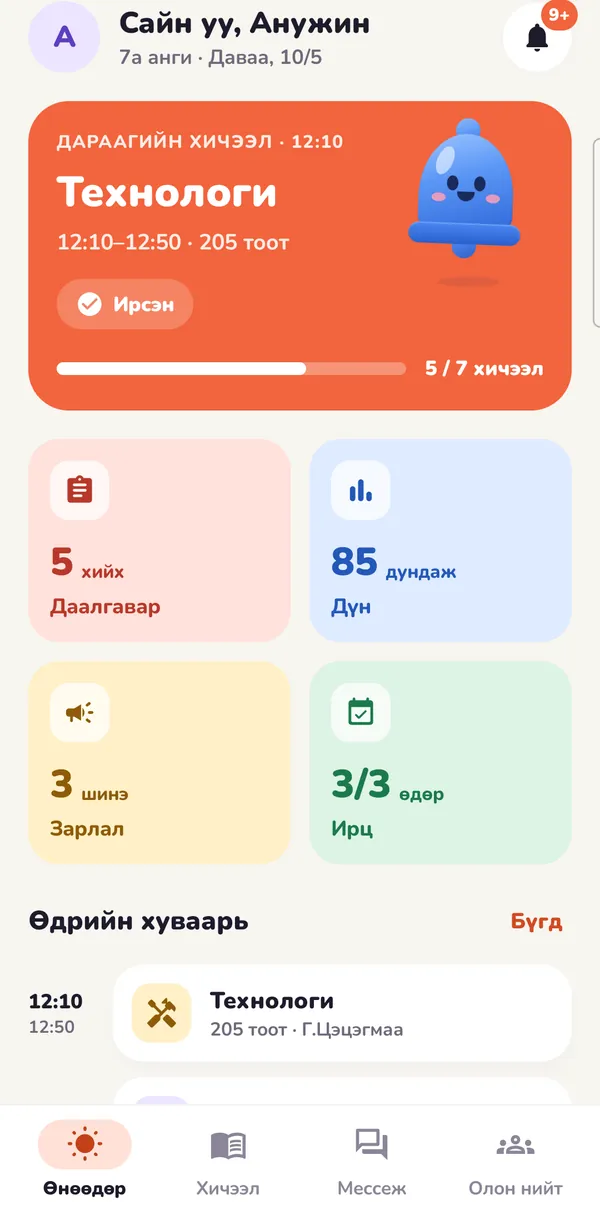
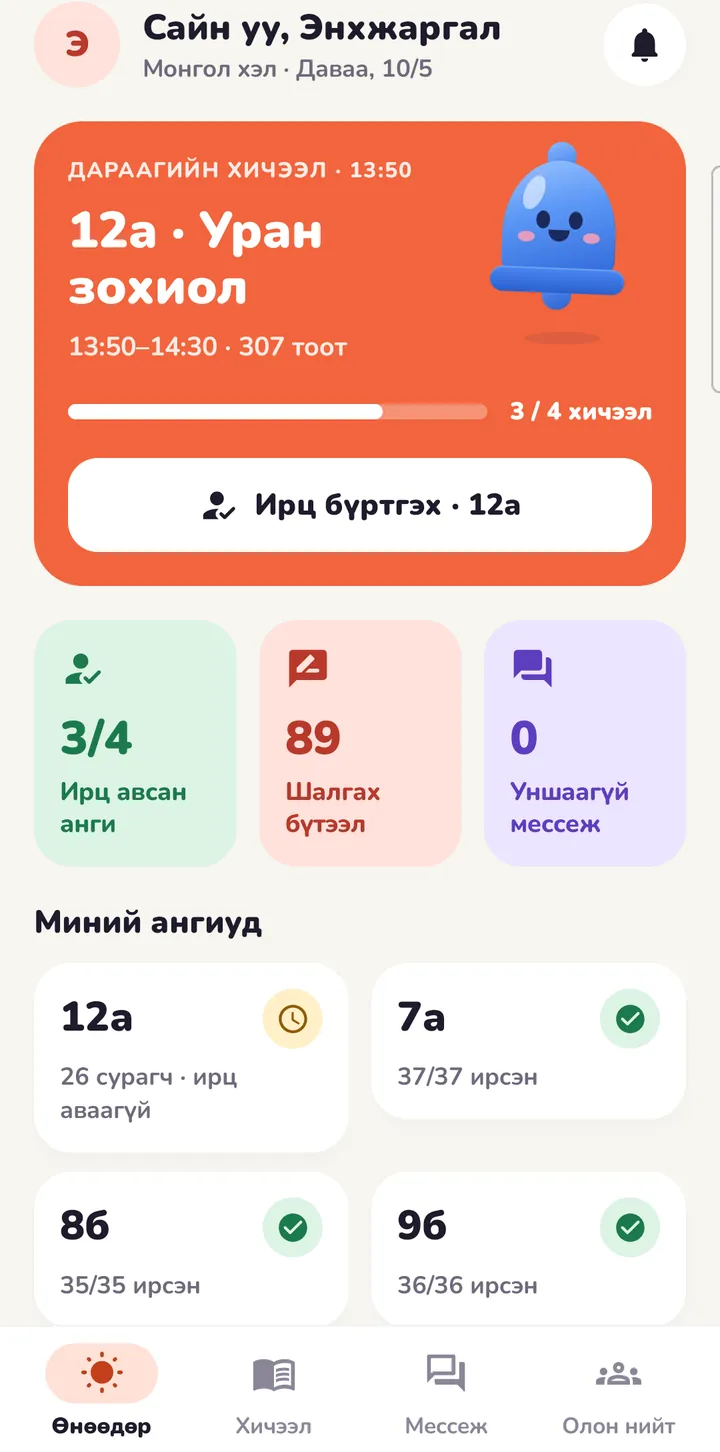
One system, five roles. Everyone sees only what they're allowed to see.
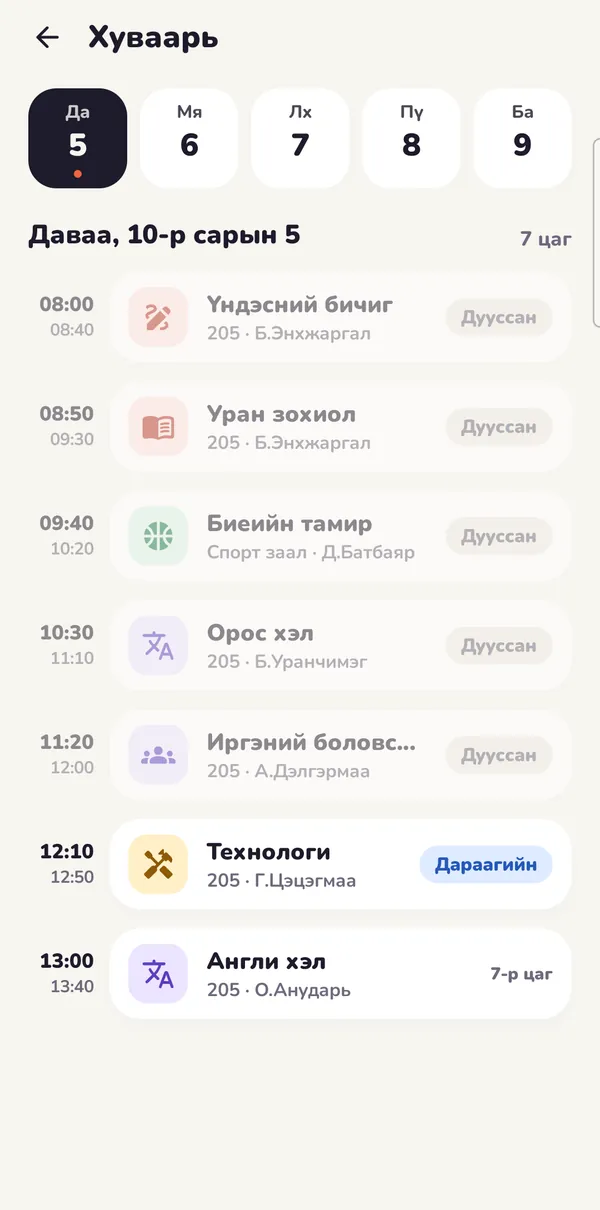
App
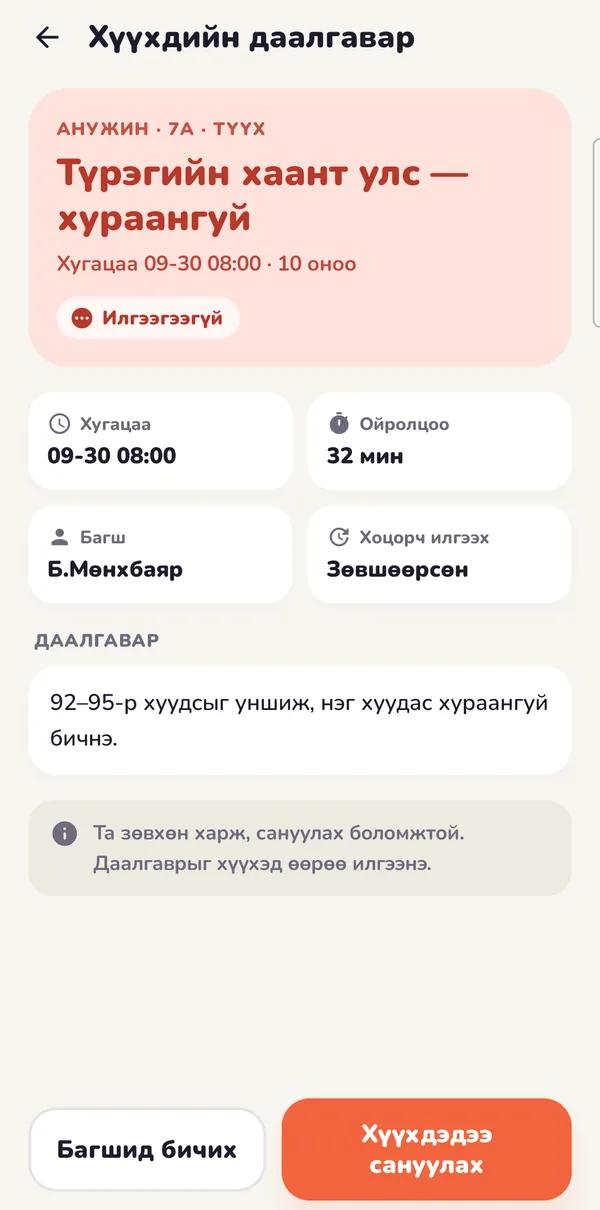
App
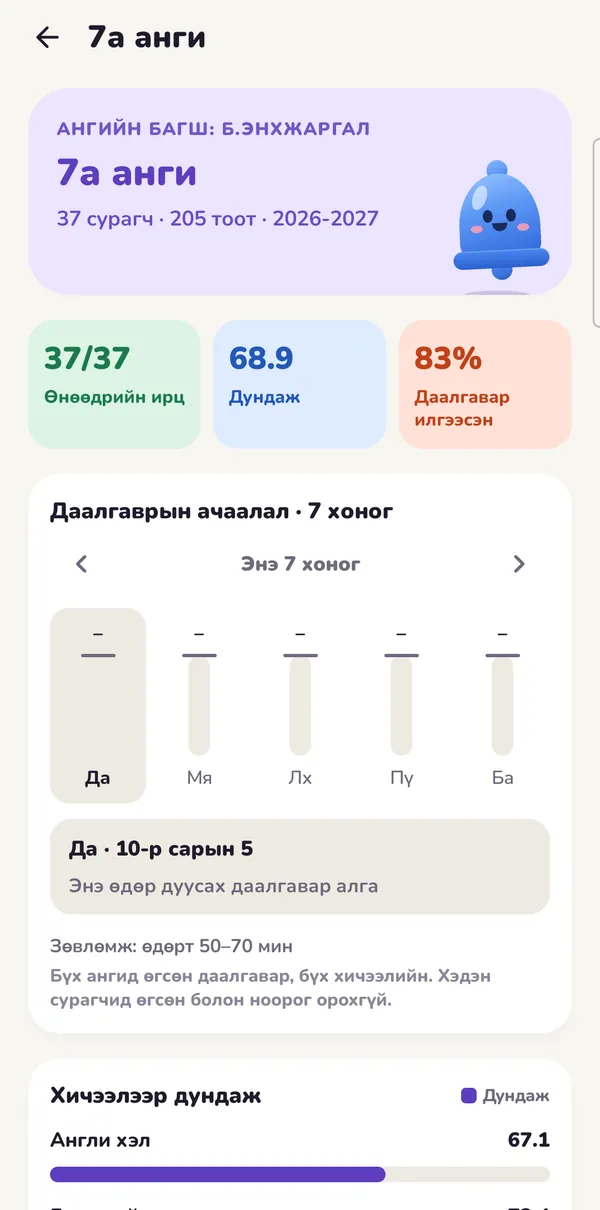
App
Web console
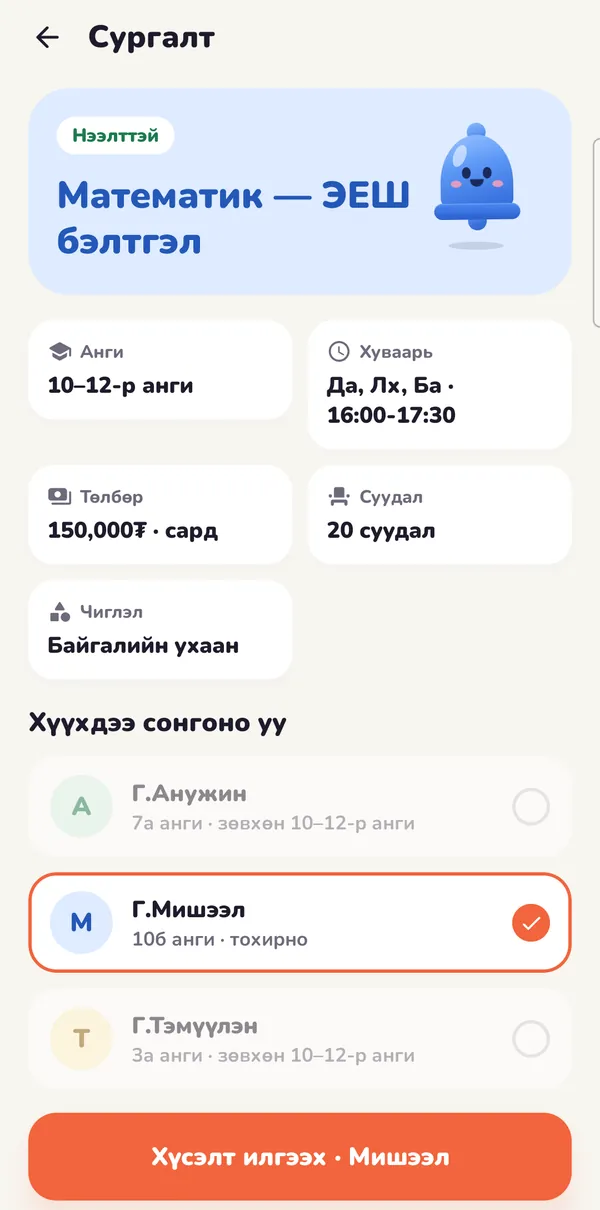
Portal
The small things a school day actually needs.
Present, late, absent, excused, left early.
Absent or late? Parents hear by app and SMS.
With a reason and a doctor's note; the homeroom teacher decides.
Set a homework deadline in one tap.
See everything a class already has due that day.
A short tip for parents from the teacher.
They open only once the child has handed in.
Mark homework checked in class in one tap.
Parents can nudge about unfinished homework.
Every score comes with a note.
Weighted the way the school decides.
See who read a notice and remind the rest.
Write ahead, send on time.
Separate rooms for students and for parents.
Attach photos and documents to messages.
Easy on the eyes at night.
For schools
Administrators and staff run the school's settings and information from a computer.
Who has read it
Remind the rest in one click
Scheduled notices
Bring in users and classes from a file.
Set terms and the calendar, print timetables.
See how many people a notice reaches before you send it.
Watch SMS sending, attendance and homework metrics.
Staff edit only what they created; every change is logged.
Community
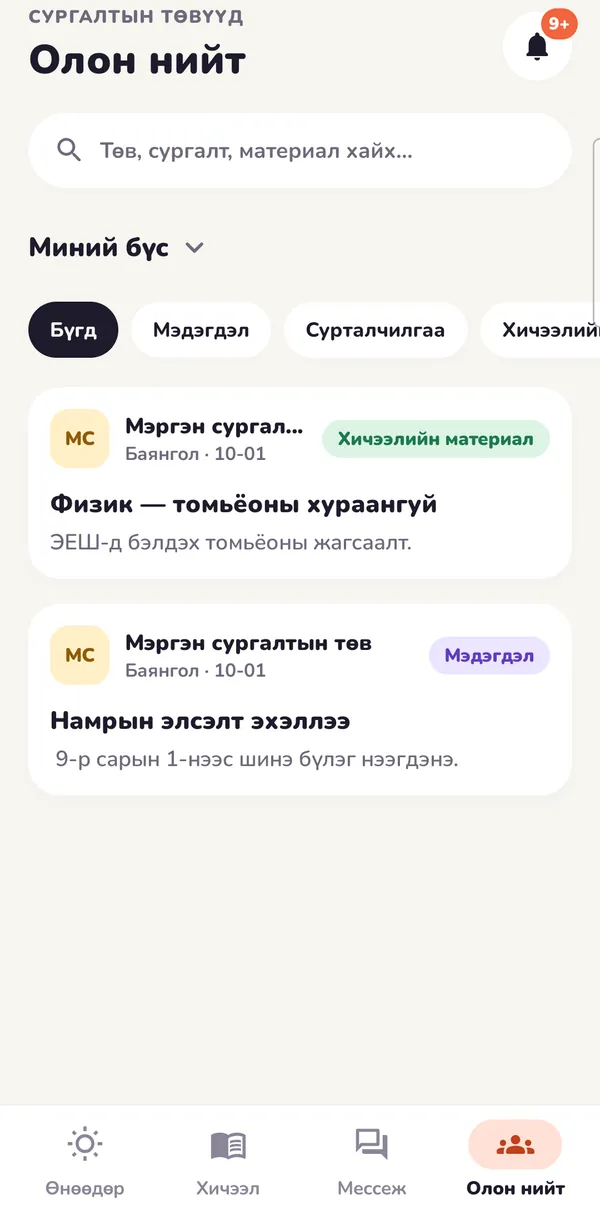
Academies publish their profile, posts and courses. Parents follow them and ask to enrol their child.
Privacy
Who sees what is decided by rules on the server — not by hiding buttons.
Birth dates, national ID numbers, addresses and health notes are stored encrypted.
Teachers see their classes, parents their own children. Staff permissions are granted per menu and changes are logged.
Academies cannot message students or see their phone numbers — everything goes through parents.
The student turns it on, it's sent only while the app is open, and it's deleted after 7 days.
FAQ
What people ask most about Khonkh.
An app for students, parents and teachers of general-education schools: timetable, attendance, homework, grades, notices and messages in one place. Schools run it from a web console; academies use their own portal.
The Android and iOS apps are coming soon to Google Play and the App Store. The school console and the academy portal work on the web.
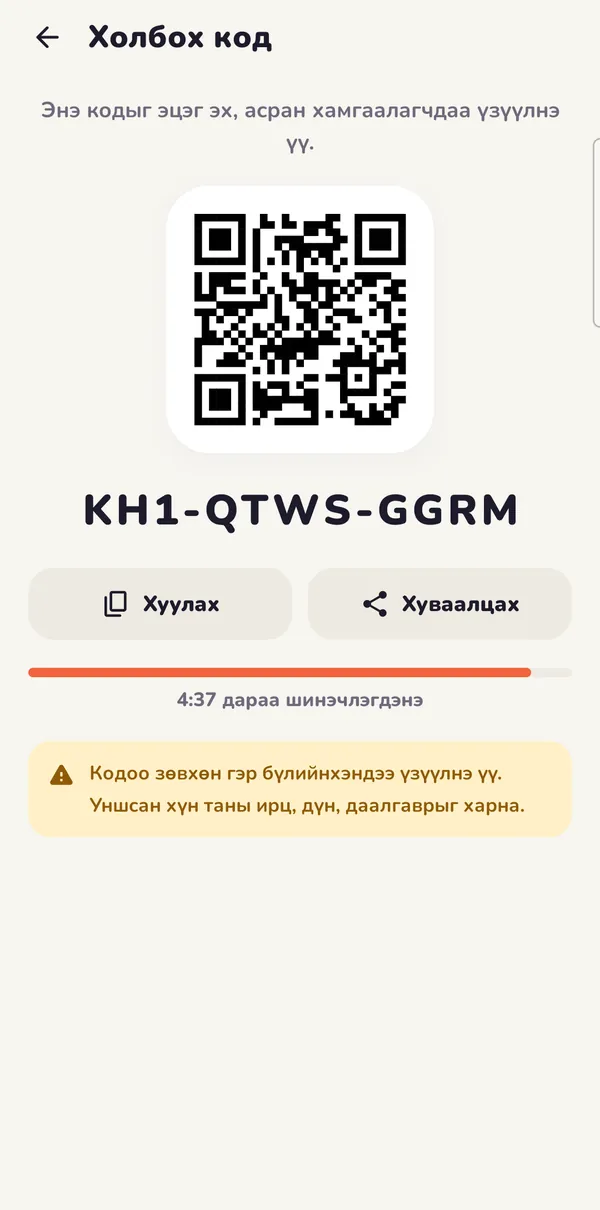
A child who signs up with the parent's family code is connected straight away. If the child is already registered, they link with a QR code. One parent sees all their children in one app.
No. The student turns location sharing on themselves. It's sent only while the app is open, and records are deleted after 7 days.
No. Academies cannot message students or see their phone numbers. Requests and conversations all go through parents.
Mongolian and English. The app, the console and the portal all work in both.
School staff sign in to the console. Academies register on the portal themselves.
The mobile app is coming soon to Google Play and the App Store.

